View invoices and receipts
Your receipts are emailed automatically, and administrators can view and download recent invoices from the Subscription page in your Dashboard.
Receipts are emailed to your billing contact
Each time your subscription is billed, a receipt is automatically emailed to your billing contact. To download the invoice for a payment, use the link at the bottom of the receipt email. To change which email address receives receipts and invoices, see Update Billing Contact.
Find recent invoices in your Dashboard
You must be an administrator to view your organization's invoices.
- Open a web browser
- Navigate to https://app.protectedtrust.com/dashboard and sign in
- On the Dashboard, select Subscription
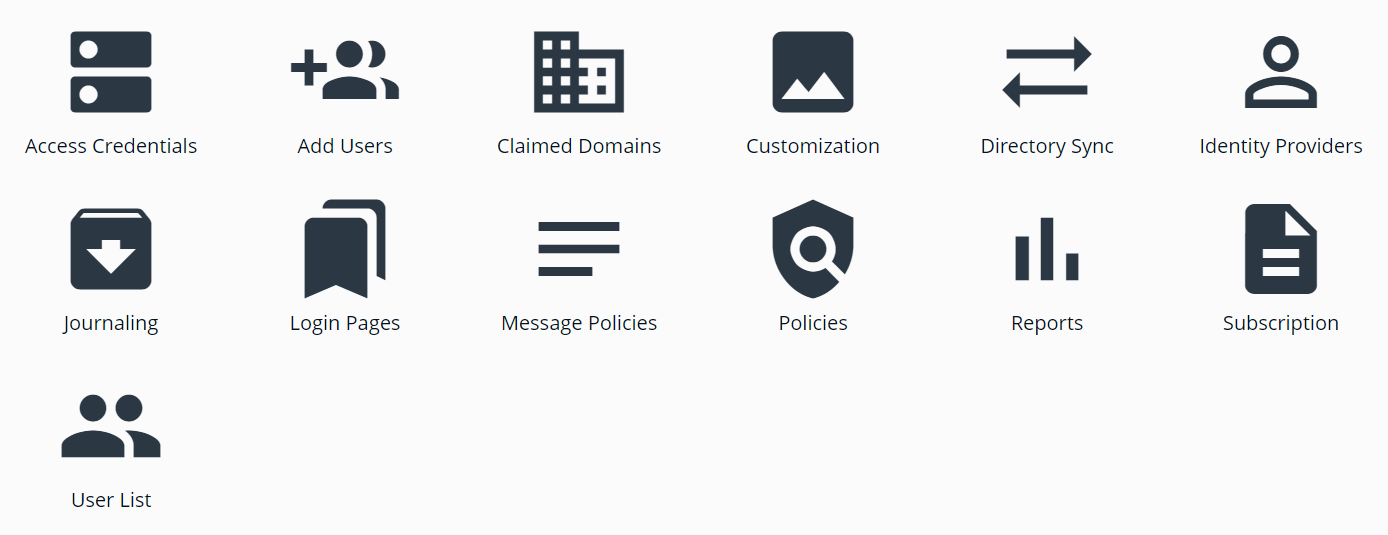
- On the Subscription page, review your Subscription Summary, where administrators can access your most recent invoices
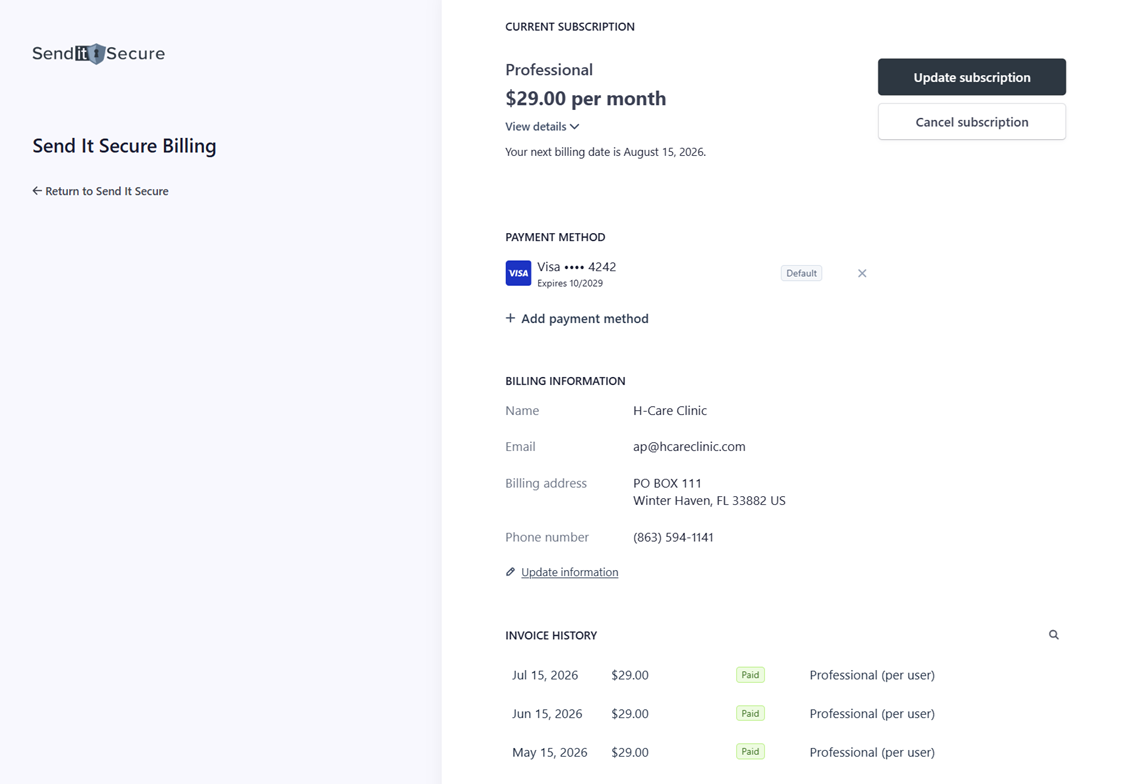
- Select an invoice to view or download it
Related
- Update Billing Contact — change who receives receipts and invoices.
- Update Payment Method — add or change the card on file.
- Update Subscription — upgrade, downgrade, or switch plans.
If you have any questions or need assistance, please contact us at billing@senditsecure.com.