Update Billing Information
You can update your billing information — such as your billing contact, company details, and billing address — from the Subscription page in your Dashboard.
Steps to update your billing information
You must be an administrator to update your organization's billing information.
- Open a web browser
- Navigate to https://app.protectedtrust.com/dashboard and sign in
- On the Dashboard, select Subscription
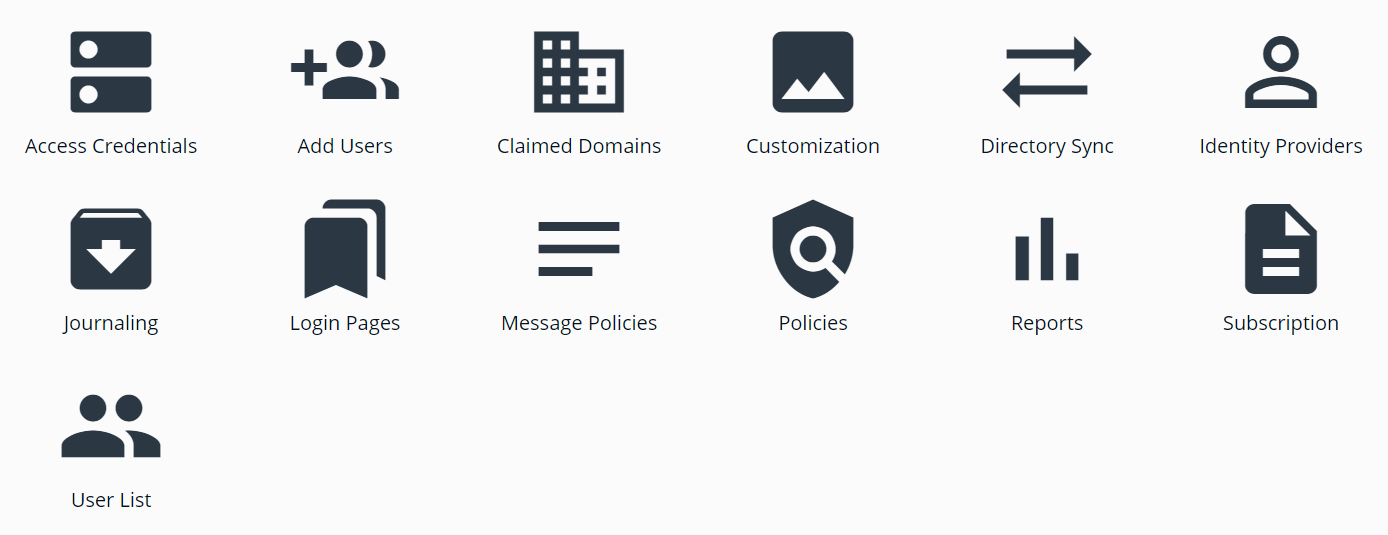
- On the Subscription page, review your Subscription Summary
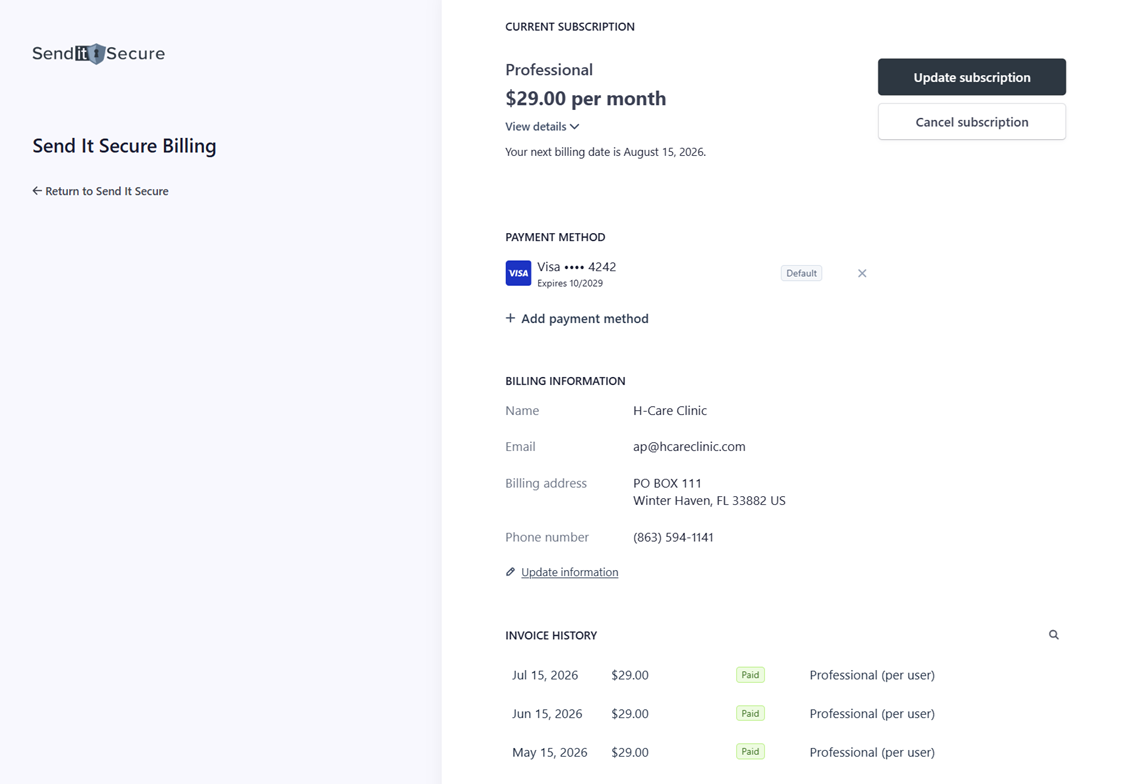
- Click Update Information and update your billing details
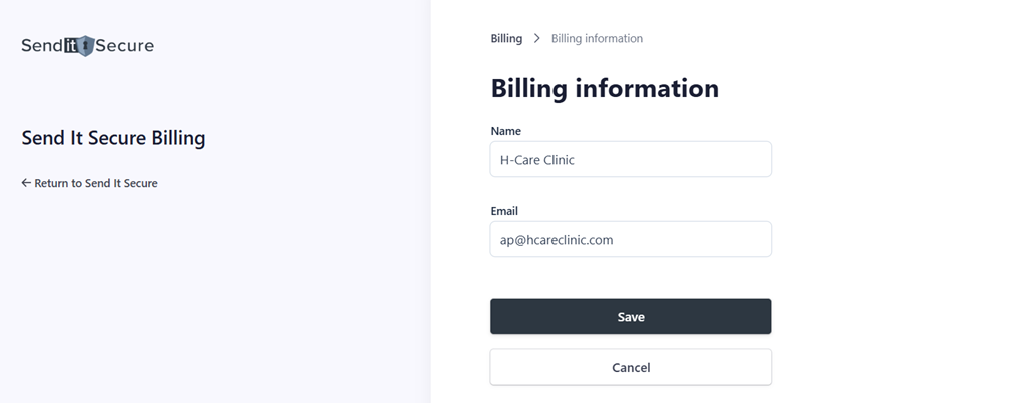
Note: the email address you enter under Update Information is your billing contact — it's where we send receipts, invoices, and other billing notifications.
What happens after you update
Your billing information is saved and used for future invoices and receipts. You can update it again at any time from the Subscription page.
Related
- Update Payment Method — change the card or payment method on file.
- Manage Subscription — view and manage your account and subscription.
If you have any questions or need assistance, please contact us at billing@senditsecure.com.