Manage your subscription: update, change payment, or cancel
From the Subscription page in your Dashboard, you can update your plan, add or change your payment method, view invoices, and cancel — all in one place. Pick a task below to jump straight to the steps.
You must be an administrator to manage your organization's subscription.
Get to your Subscription page
- Open a web browser and go to https://app.protectedtrust.com/dashboard, then sign in.
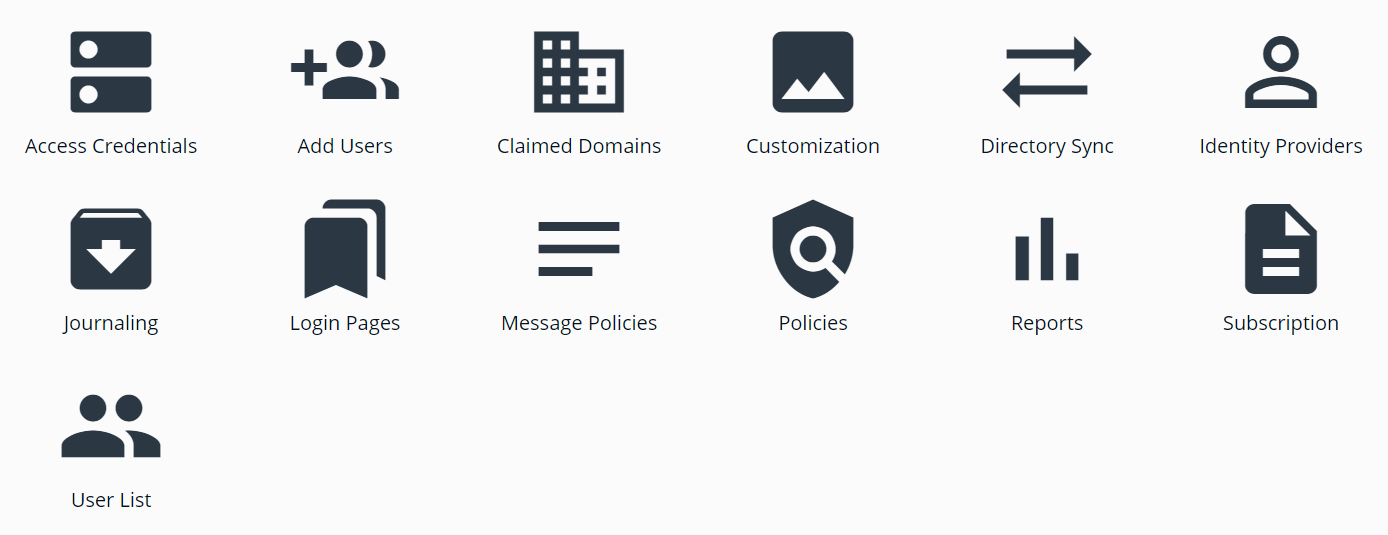
- On the Dashboard, select Subscription.
What would you like to do?
- Update your plan — upgrade, downgrade, or switch plans. See Update Subscription.
- Add or change your payment method — add a new card or remove an old one. See Update Payment Method.
- Update your billing contact — the email that receives receipts, invoices, and billing notifications. See Update Billing Contact.
- View invoices & receipts — receipts are emailed to your billing contact, and admins can access recent invoices from the Subscription page. See Update Subscription.
- Cancel your subscription — cancels at the end of your current billing period. See How to cancel your subscription.
- Reactivate or switch to the Guest plan — select Reactivate Subscription or Switch to Guest Plan from the top banner, or select Subscription and choose a plan. A Guest plan is free.
Still need help with billing? Email billing@senditsecure.com and we'll be glad to help.