How to cancel your subscription
If you need to cancel your Send It Secure subscription, you can do it from the Subscription page in your Dashboard. Before you cancel, please export anything you need to keep — access to your secure messages ends when your subscription does.
Before you cancel: your secure messages and compliance logs are only available while your subscription is active. Export anything you need first — see Export Message Data and Understanding Retention Periods.
Steps to cancel your subscription
You must be an administrator to cancel your organization's subscription.
- Open a web browser
- Navigate to https://app.protectedtrust.com/Dashboard
- On the Dashboard, select Subscription
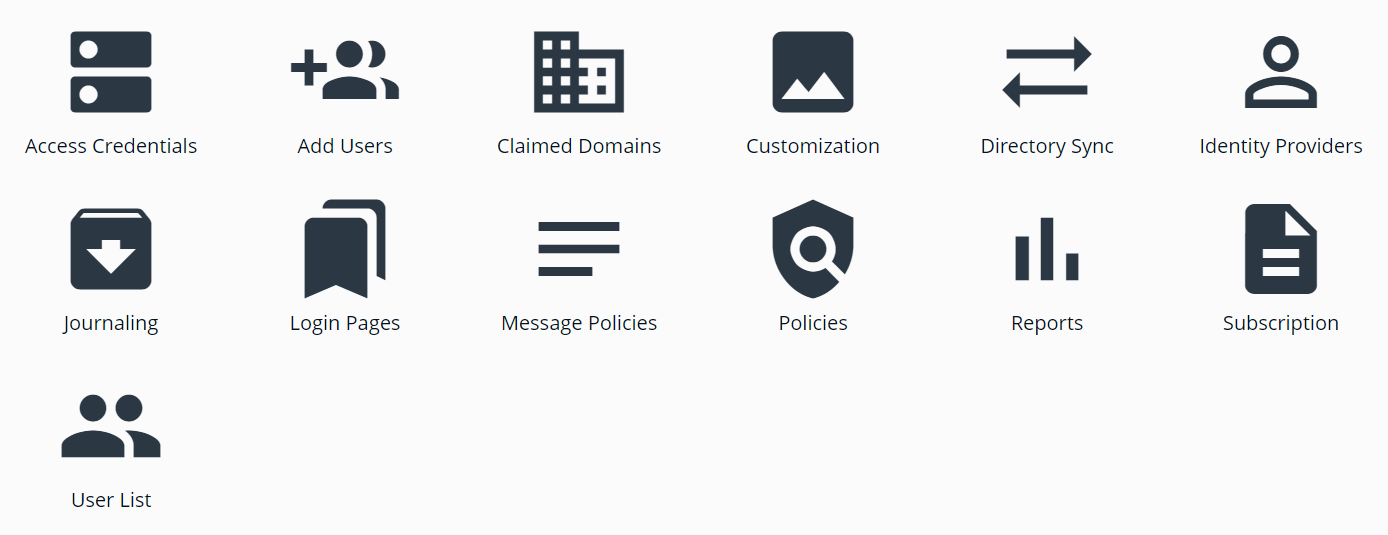
- On the Subscription page, review your Subscription Summary
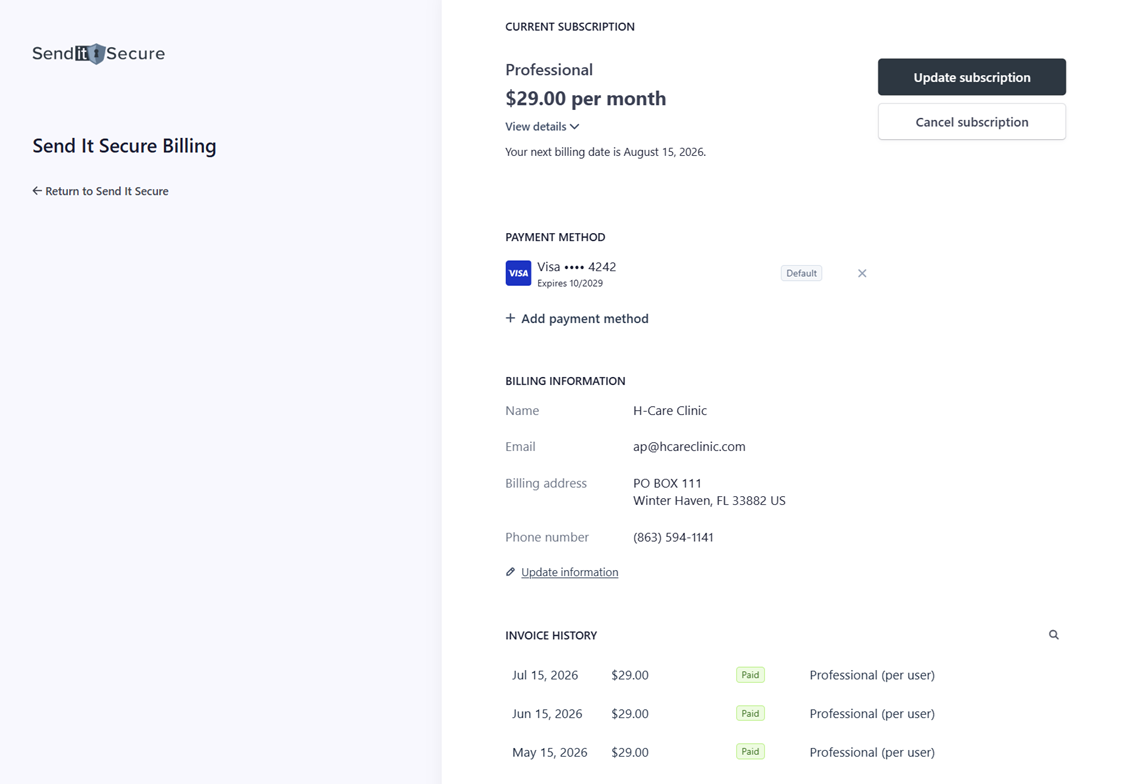
- Click Cancel Subscription
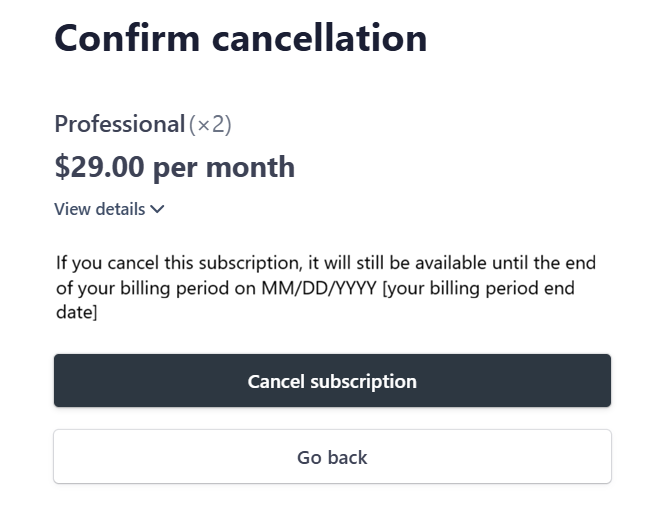
Note: your subscription will be set to cancel at the end of the current billing period.
What happens after you cancel
Your billing stops at the end of your current billing term, with no future charges or renewals. Once your subscription lapses, you and your recipients lose access to stored secure messages and compliance logs (see retention periods), so be sure you've exported anything you need beforehand.
If you have any questions about cancelling, billing, or exporting your data, please contact our support team.