Outlook (classic) for Windows Integration
Integrate Send It Secure into your daily workflow, integrate directly within Outlook (classic) on Windows
The Protected Trust Outlook COM add-in is the traditional desktop add-in for Outlook (classic) on Windows. You install it as part of Send It Secure for Windows — it adds the Protected Trust icon to your Outlook ribbon, so you can send secure messages right from your inbox. Requires Windows 10 or higher.
Steps to install
- Download the installer — go directly to https://downloads.senditsecure.com/windows, or go to senditsecure.com/downloads and click Download Send It Secure for Windows.
- Right-click on the ProtectedTrust.exe install file and select run as administrator
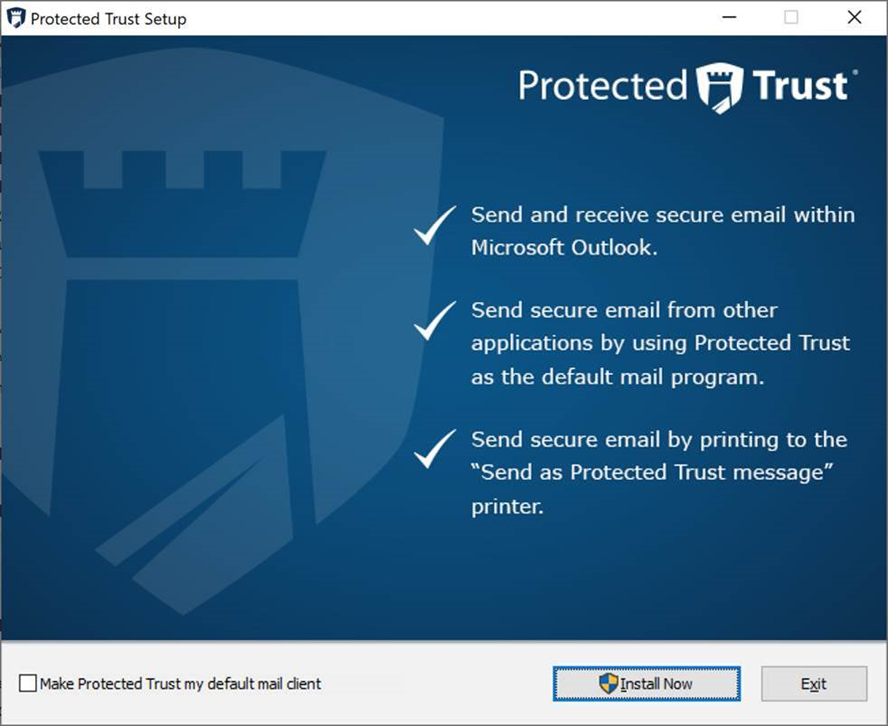 Note: Do not select "Make Protected Trust my default mail client" since Microsoft Outlook is your desired default mail client.
 - Click Install Now
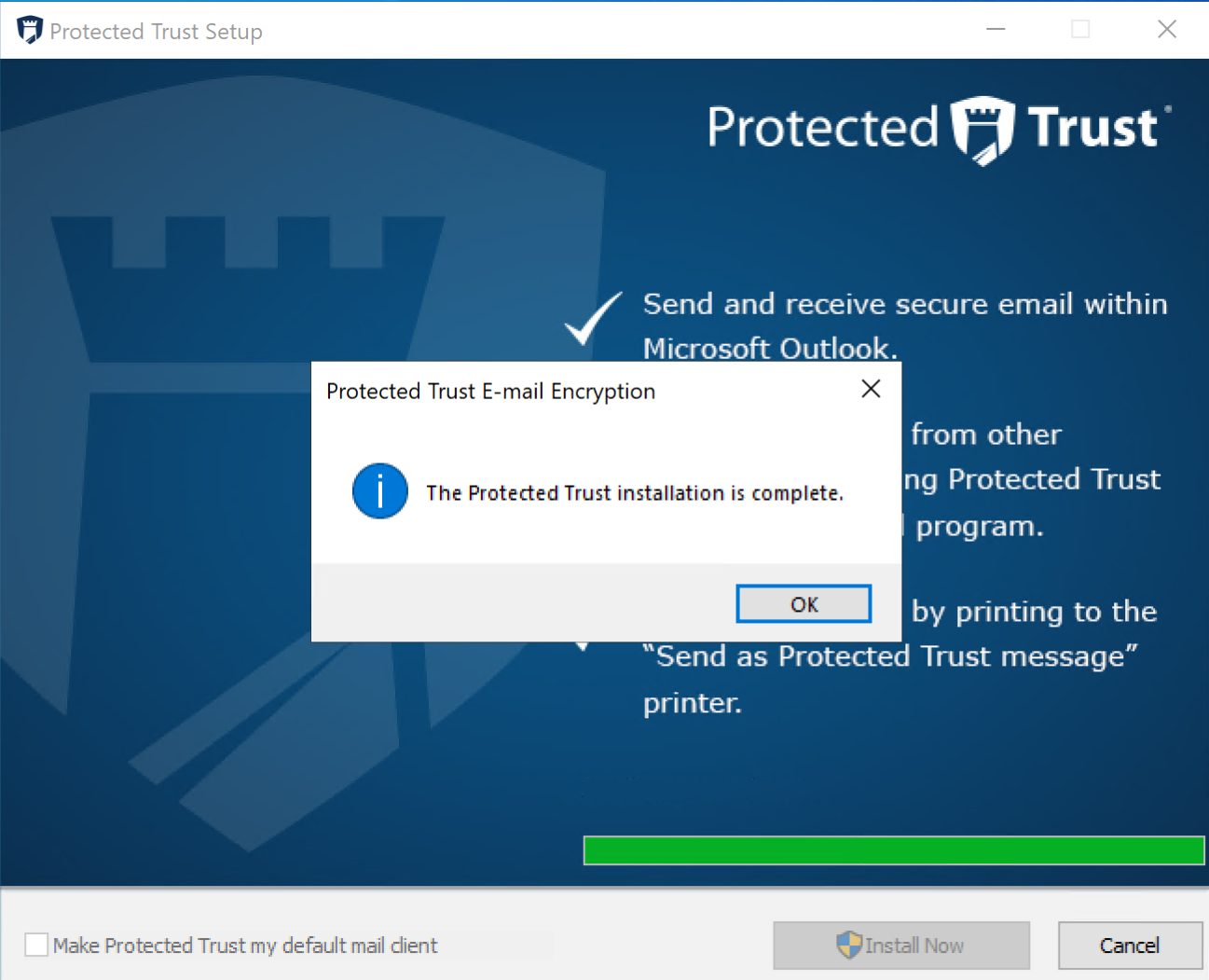
- After the Protected Trust installation is complete, click OK
- When you compose an email from Microsoft Outlook the user interface will now have a Message Protected lock icon
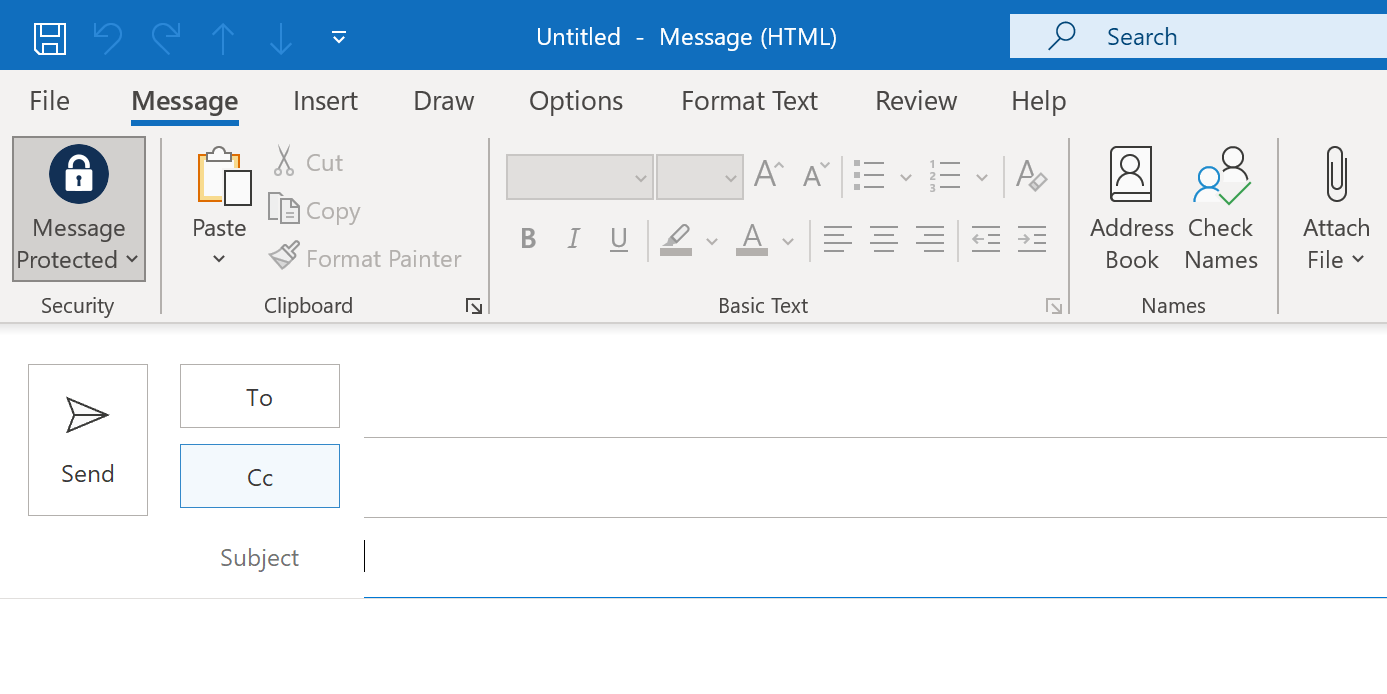
- Compose your email
- Confirm the Message Protected icon is locked and click Send
- The message will now be sent via Send It Secure
Once installed, the add-in lets you quickly toggle between protected and standard messages while composing, and includes advanced settings to streamline your workflow.