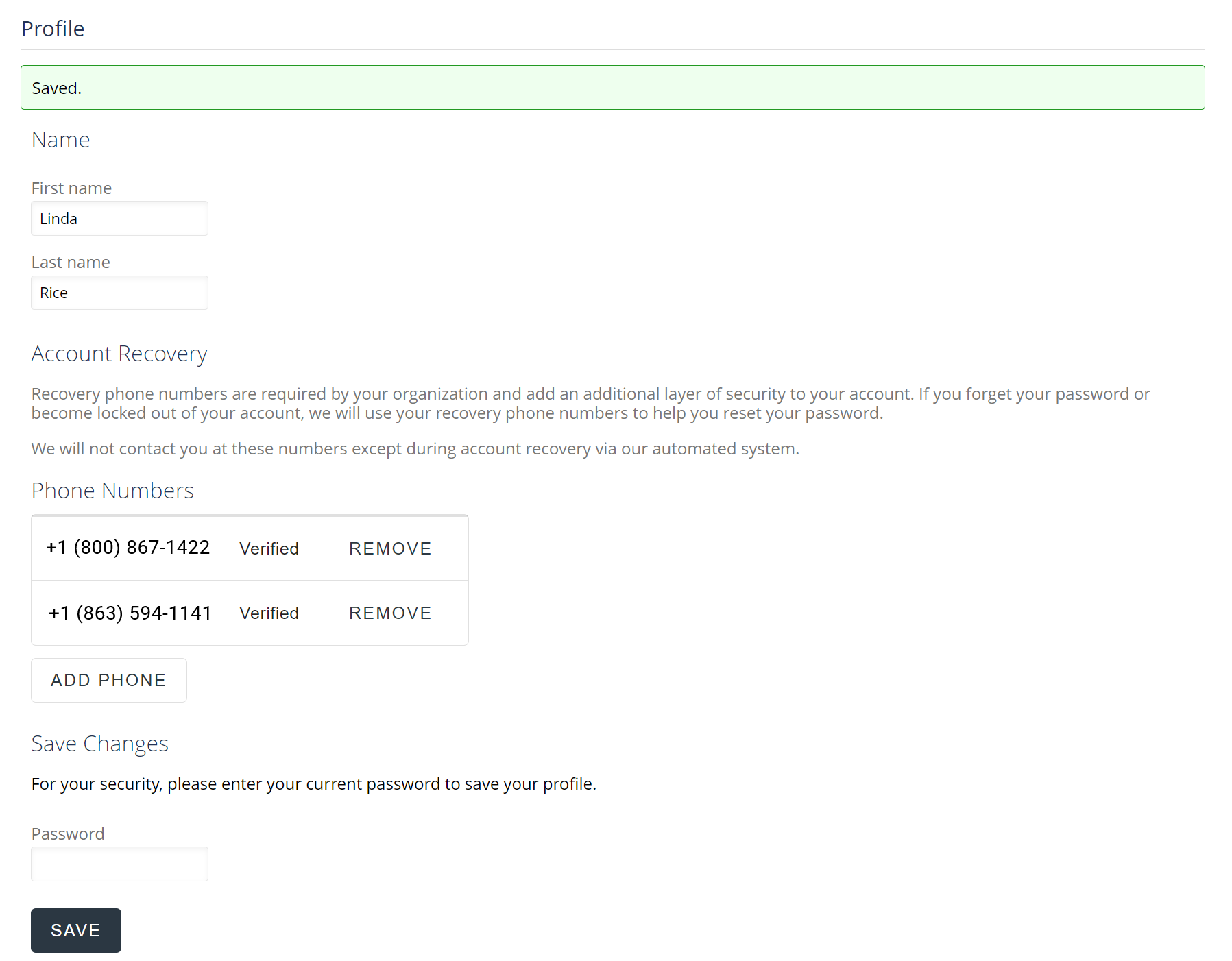
Update your account Profile, including updating the name on your account
You can easily update your account profile with Send It Secure. Use the steps below to update your name or password. You can also add or remove account recovery phone numbers for use during password reset.
Note: Users with free accounts are not required to have account recovery phone numbers. Organization administrators set business user requirements.
Steps to add or remove
- Open a web browser
- Navigate to https://app.protectedtrust.com/Dashboard
- Click the Profile button on the Dashboard
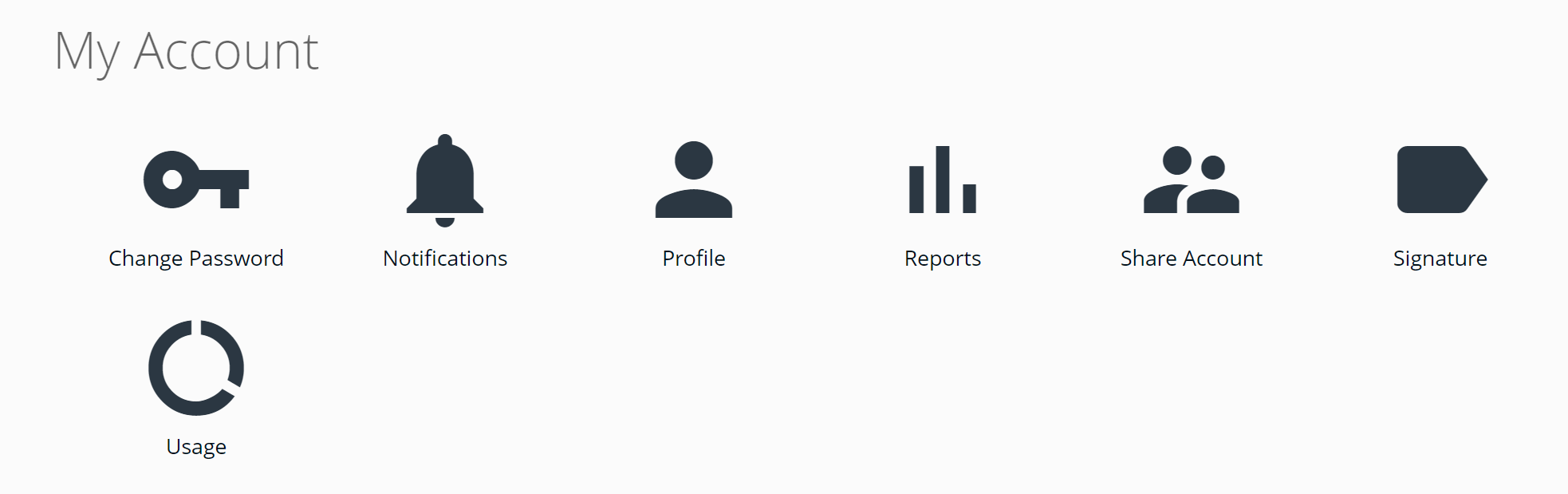 * If you are an admin, click My Account on your Dashboard, then Profile on the side menu
 - On the Profile page, click the ADD PHONE button to verify and add a phone or REMOVE to remove a recovery phone number
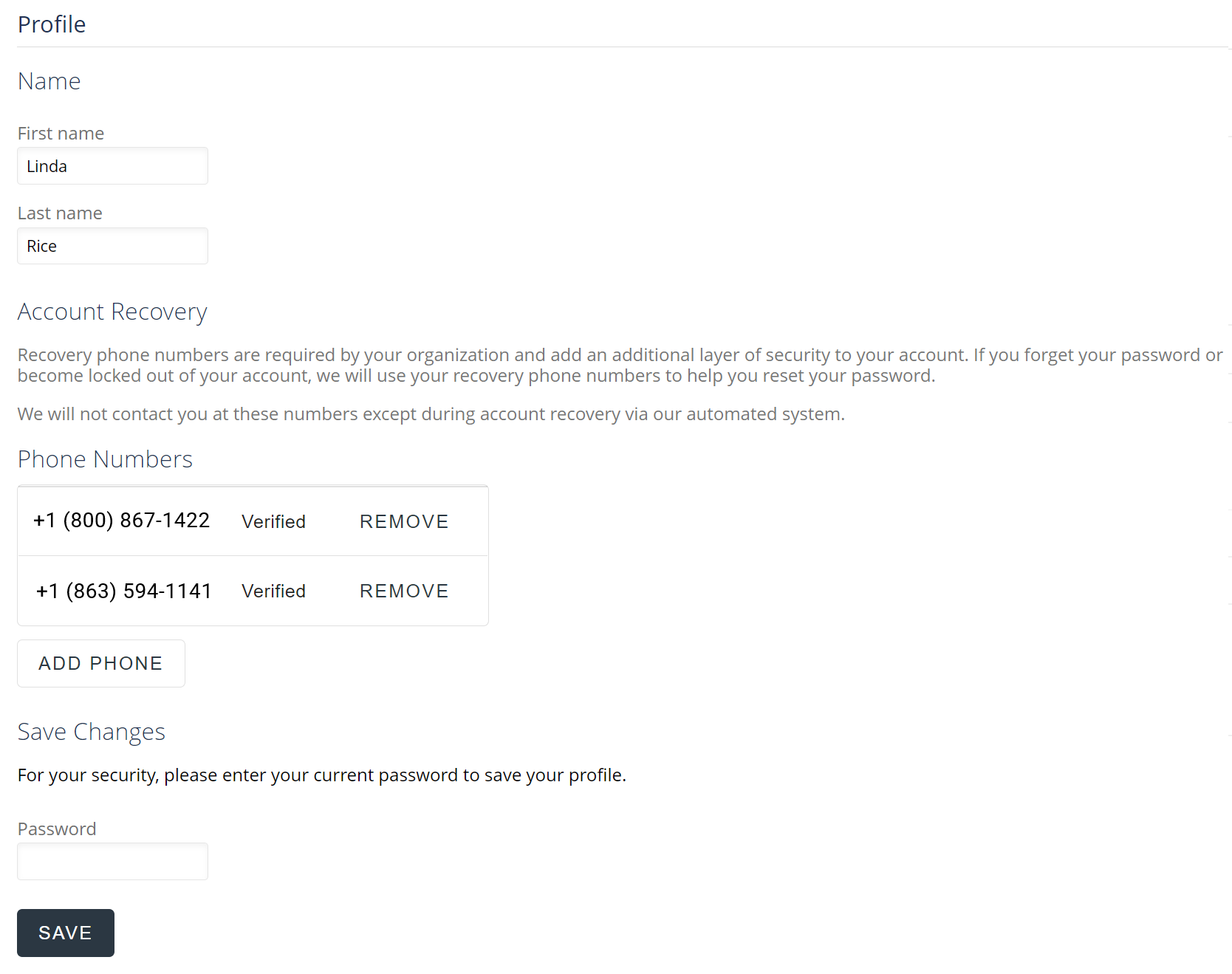
- Enter your current password to save your profile
- Click the Save button
- If successful, you will receive a Saved confirmation message